File Organization Reimagined
Your Files. Instantly.

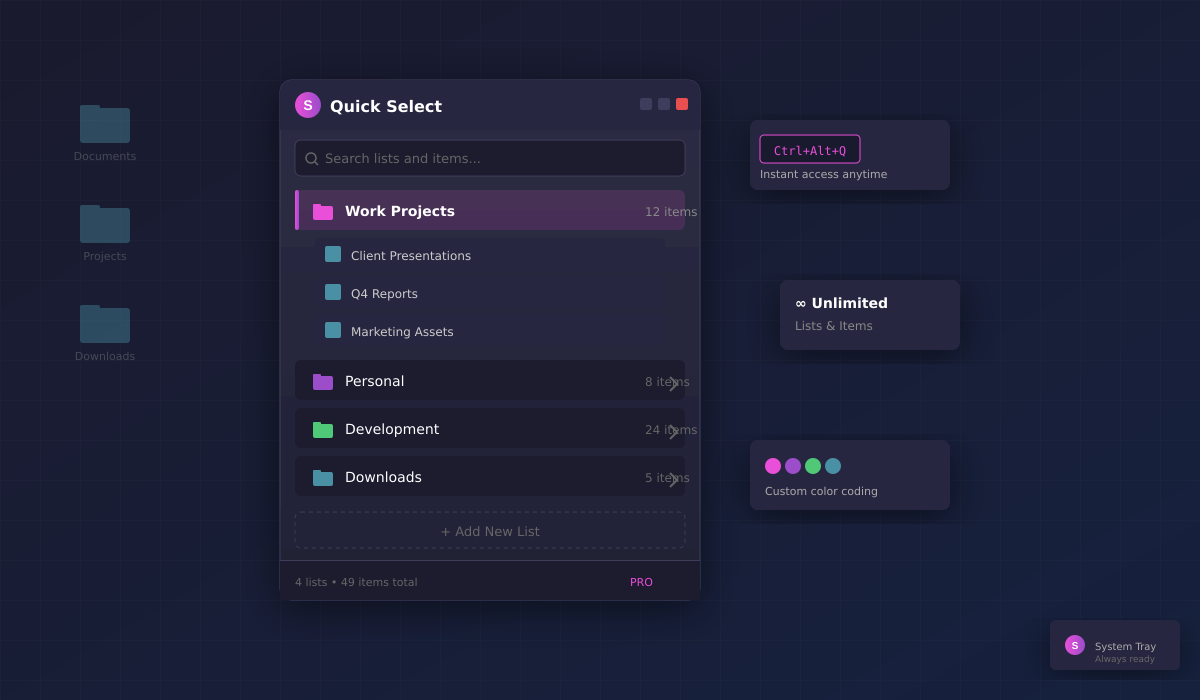
Go beyond Windows Quick Access limits. Create unlimited custom lists and access them instantly — all integrated with Voyager file browser.

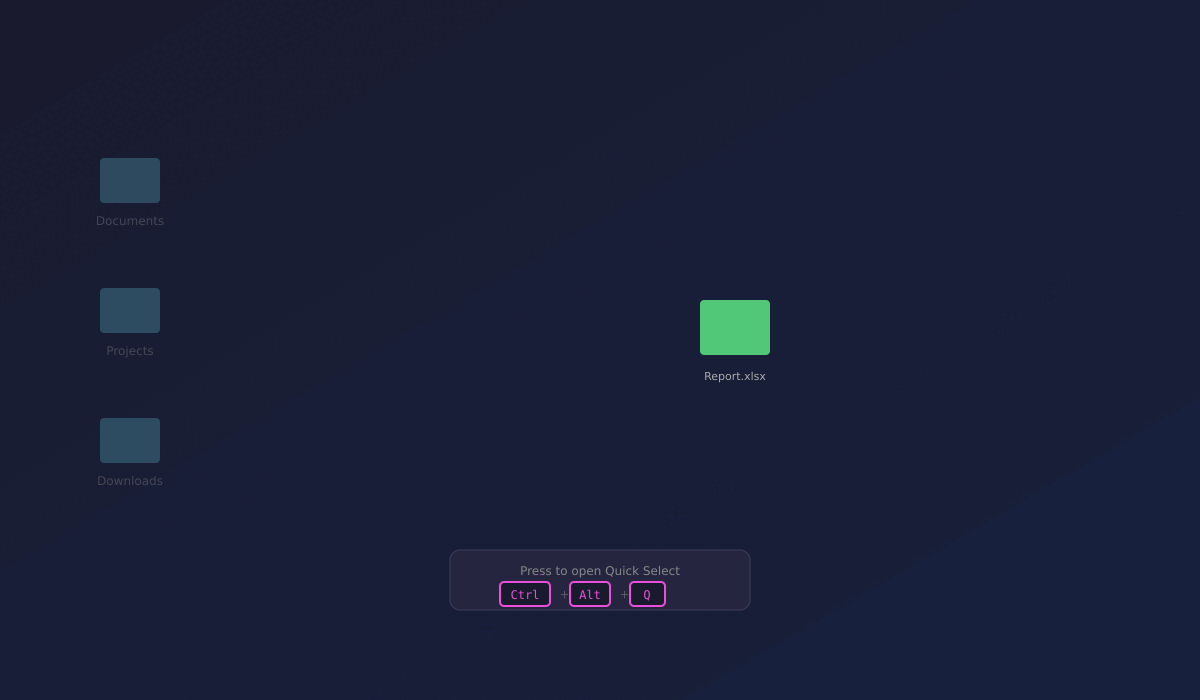
Ctrl+Alt+Q ✓ Unlimited Lists ✓ Right-Click to Add
Quick Select floating panel interface

See it in Action!

Watch how Quick Select organizes your files in seconds

Quick Select demo
Click to play
Click to replay

Join the Waitlist

Be the first to know when Quick Select launches.

Simple Pricing

Quick Select requires Voyager file browser. Choose the bundle that fits your needs.

Free Bundle

$0

Try both apps with basic features

  • 2 Quick Select lists
  • 50 items per list
  • Voyager with 10 tabs
  • Day/Night themes
  • Unlimited lists
  • Dual-pane view

Pro Bundle

$14.99 one-time

Everything unlocked

  • Unlimited Quick Select lists
  • Unlimited items per list
  • Voyager dual-pane view
  • Custom color themes
  • Workspaces
  • Priority support
Note: Quick Select integrates directly into Voyager file browser. Your custom lists appear in Voyager's sidebar for seamless file organization.

Powered by Voyager

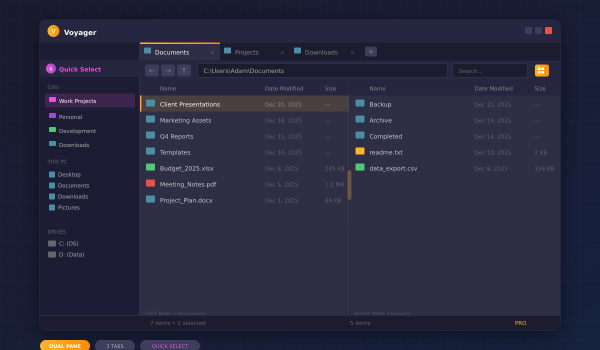
Quick Select integrates seamlessly with Voyager, our premium file browser. Your custom lists appear right in Voyager's sidebar, letting you browse and organize files in one unified experience.

Tabbed file browsing Dual-pane view (Pro) Quick Select sidebar Custom color themes
Learn About Voyager →
Voyager file browser with Quick Select sidebar